News ·
See how much you've read
Home tells you what you finished this past week, and then the week is gone. Your reading keeps the past year: the busy month, the quiet weeks, and the essay you finally got to.
How it works
- Open Your reading in the sidebar, or See your reading beside Home's line about your week.
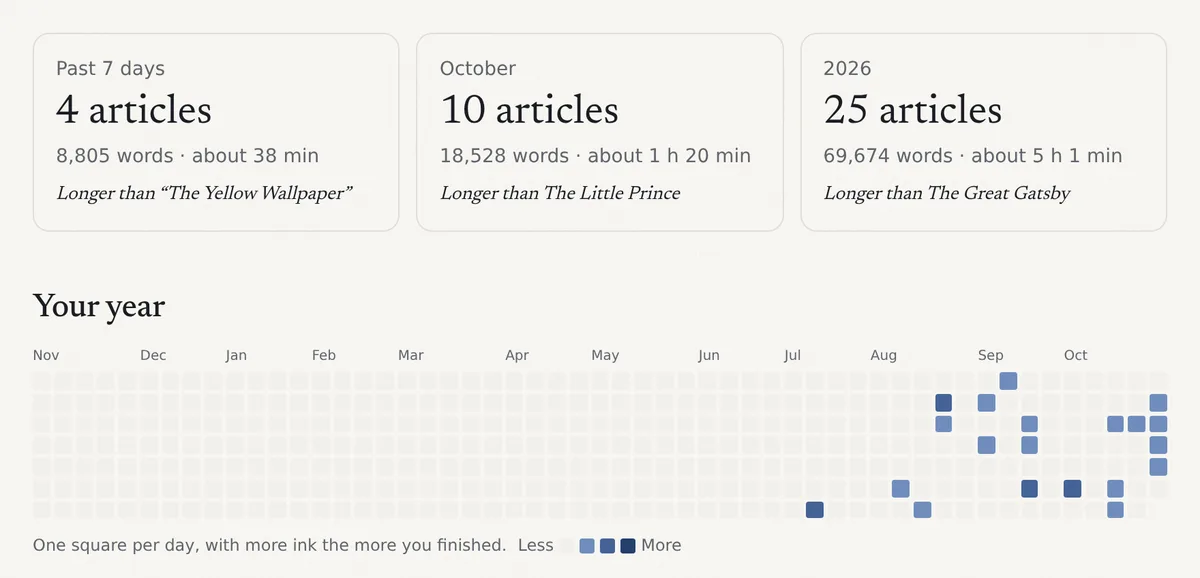
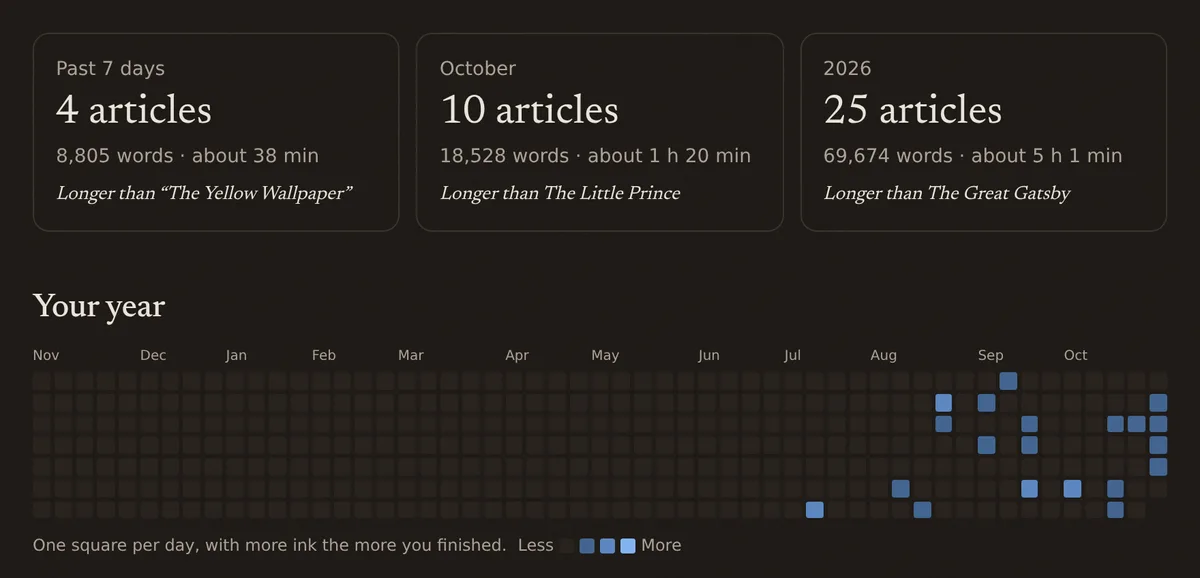
- At the top: what you finished in the past 7 days, this month and this year, in articles, words and minutes, and a well-known book it is longer than, such as The Great Gatsby. Minutes are estimated from each article's length.
- Your year has a square for every day, with more color the more you finished that day.
- Under Week by week, choose a week, or switch to Months, to see what you finished in it and, if you use topics, what it was about.
There are no streaks or goals: a day you didn't read is an empty square, nothing more. Marking several articles finished at once, as when tidying up, doesn't count as reading them.
Availability
On the web now. It isn't in the iPhone app yet.